.heic — High Efficiency Image Container
Apple's default photo format on iOS — half the file size of JPEG at the same visual quality.
About this format
HEIC stands for High Efficiency Image Container — it's Apple's name for files that follow the HEIF (High Efficiency Image File Format) standard. Apple started using it as the default for iPhone photos in iOS 11 (released in 2017). Since then, every modern iPhone takes HEIC photos by default.
The big win: HEIC files are about half the size of JPEG, while keeping the same visual quality. The math: a 4 MB JPEG photo becomes a 2 MB HEIC photo with no visible difference.
The catch: many tools, websites, and Windows / Linux apps still don't read HEIC natively. That's why "HEIC to JPG converter" is one of the most-searched image conversion queries on Google.
Real-world samples & file sizes
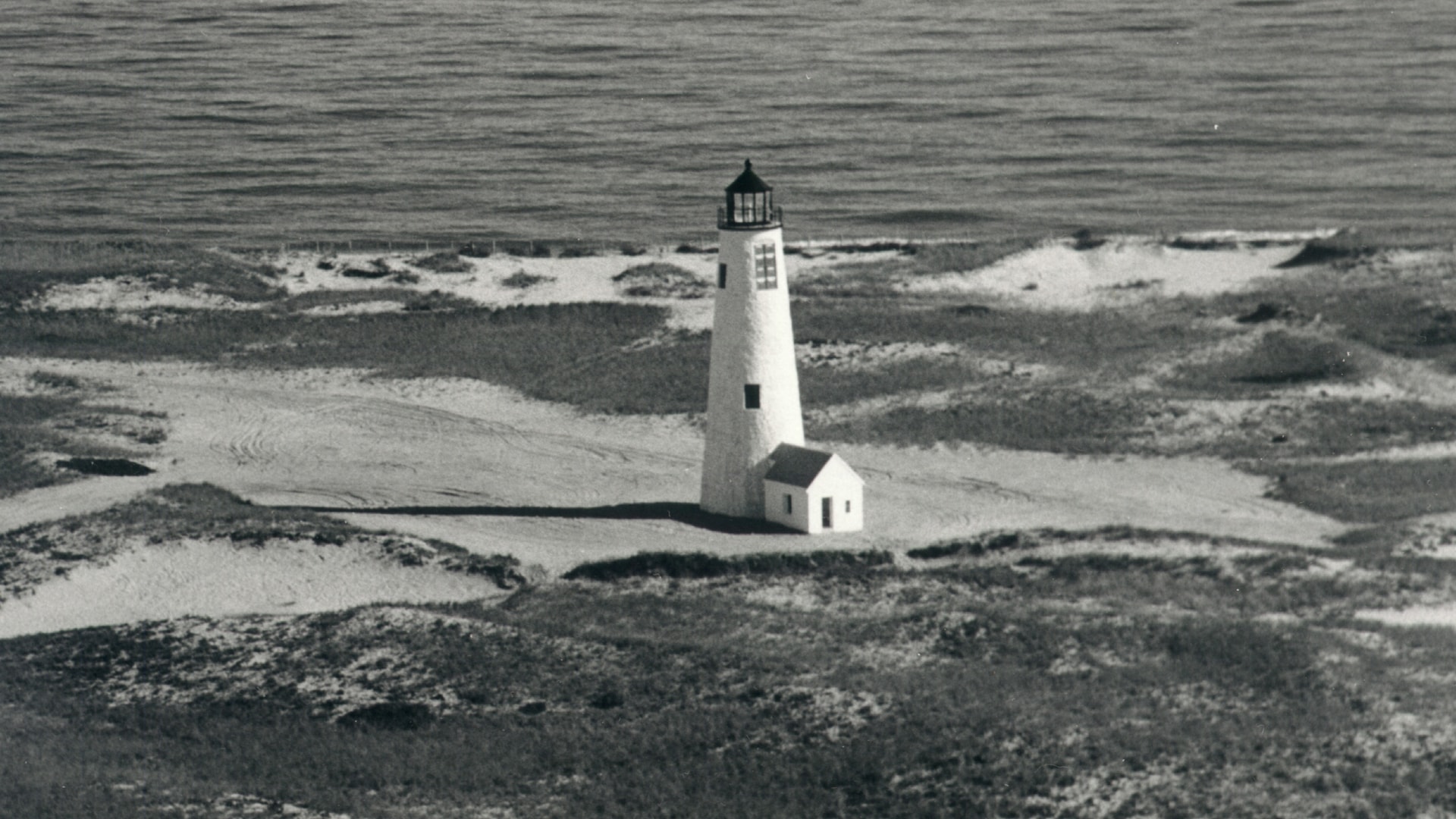
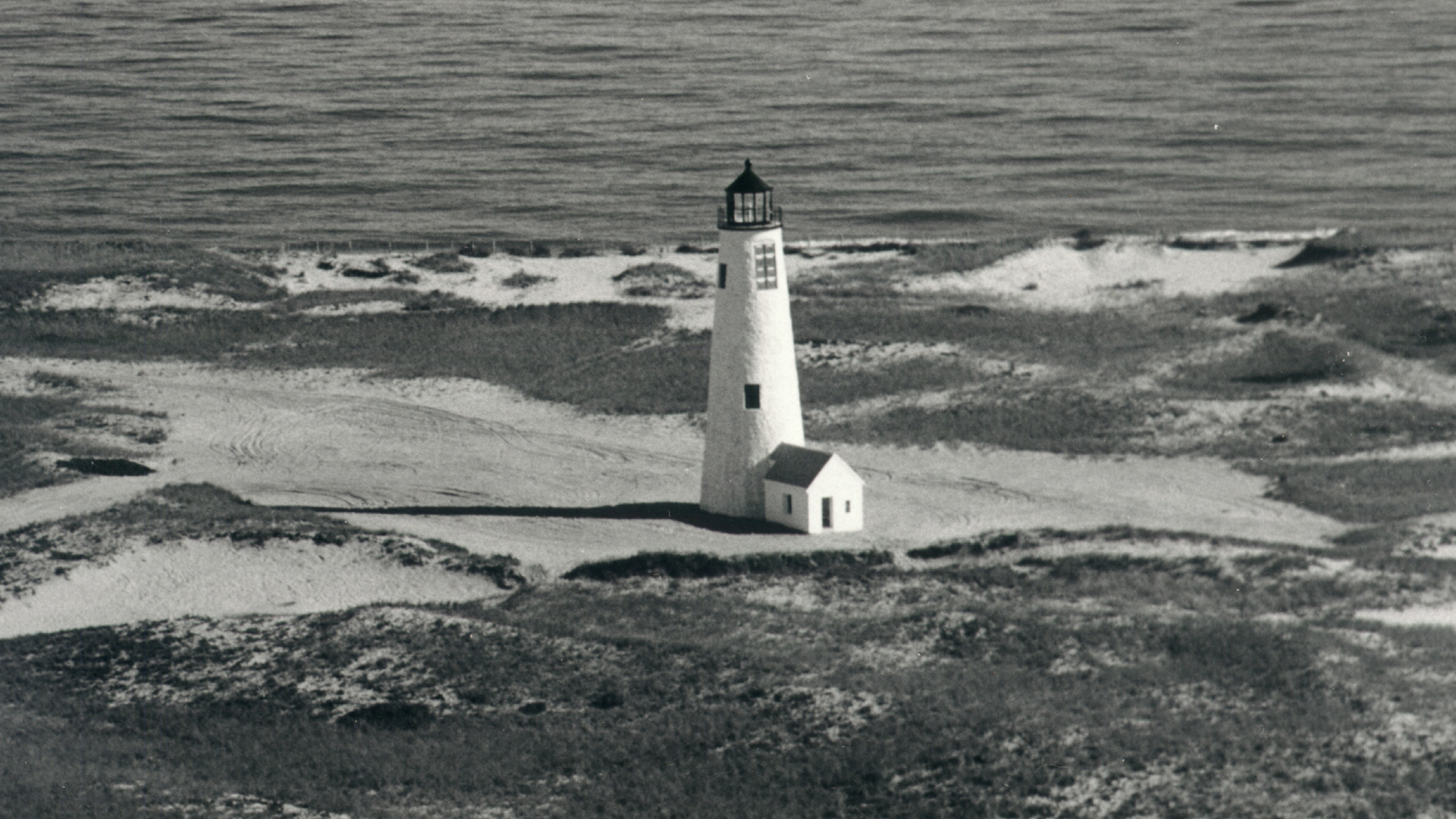
The same lighthouse photo, encoded as HEIC, JPG (quality 90), and PNG (lossless). File sizes below are real and generated from the same 1920 × 1080 source crop — verify with sips or any HEIC tool. To see the actual rendered images side by side, open the HEIC converter and pick a sample under the Compare tab.
| Format | Size | vs HEIC | Note | Download |
|---|---|---|---|---|
| HEIC (original) | 205 KB | baseline | Modern photo encoding with strong compression | .heic ↓ |
| JPG (quality 90) | 330 KB | 1.61× larger | Universal compatibility, lossy compression | .jpg ↓ |
| PNG (lossless) | 3.94 MB | 19.68× larger | Lossless, but no advantage for photos | .png ↓ |

HEIC at common aspect ratios
Six freshly sourced scenes at six standard aspect ratios — landscape, square, and the four mobile / social ratios you actually upload (Stories 9:16, Pinterest 2:3, classic 3:4, IG portrait 4:5). Each card is a separate HEIC file you can download.












The previews above are JPG renders (HEIC won't display in your browser). The download is the real HEIC file — feed it to the converter to see how it decodes.
Want to compare your own photo? Drop a HEIC into our converter and see the real size difference for your file — fully local, no upload.
Open HEIC to JPG converter →Pros
- +About 50% smaller files than JPEG at the same quality
- +Supports 16-bit color depth (vs JPEG's 8-bit)
- +Stores image sequences (Live Photos / bursts) as one file
- +Stores transparency (alpha channel)
- +Supports image edits + original together (non-destructive)
- +Embeds depth maps from iPhone Portrait mode
Cons
- −Patent-protected (HEVC codec) — tooling adoption is slow
- −Most websites won't accept HEIC uploads
- −Windows requires a paid extension to view
- −Linux support varies by distro
- −Some older social platforms strip HEIC silently
HEIC vs other formats
| vs | Size | Quality | Note |
|---|---|---|---|
| JPG | JPG ≈ 2.0x larger | Equal at typical settings | JPG is universally supported but ages poorly. HEIC wins on size + features (depth, alpha, sequences). |
| PNG | PNG ≈ 4-8x larger | PNG is lossless, HEIC is lossy by default | PNG for screenshots / graphics with text. HEIC for photos. Different use cases. |
| WebP | Roughly equal | Equal at typical settings | WebP wins on browser support; HEIC wins on iOS / native macOS integration. |
| AVIF | AVIF ≈ 0.7x (smaller) | AVIF slightly better at low bitrates | AVIF is the modern successor — better compression but slower to encode. |
Where it works
- macOS Sierra+ (2017)
- iOS 11+ (2017)
- Windows 10/11 (with paid HEIF Extension)
- Android 9+ (limited)
- Linux (via libheif)
- Safari ✅
- Chrome ❌ (decode only via JS libs)
- Firefox ❌
- Edge ❌ (needs Windows extension)
- Apple Photos / Preview ✅
- Adobe Photoshop (with plugin)
- Affinity Photo ✅
- GIMP (via plugin)
- Most online tools — needs conversion to JPG/PNG first
Related tools
Frequently asked questions
- Why is HEIC the default on iPhone?
- Apple adopted HEIC in iOS 11 (2017) because it cuts file size in half versus JPEG. Storage is the most user-visible cost on phones — smaller photos = more photos before running out of space.
- Will HEIC replace JPG?
- Probably not in the next 5 years. JPEG is too entrenched in legacy software. The successor most likely to win mainstream is AVIF, which has better compression and is patent-free.
- Does converting HEIC to JPG lose quality?
- Yes, slightly — both are lossy formats and recompressing always degrades a tiny amount. For typical iPhone photos the loss is invisible at 90%+ JPG quality. Use PNG if you need lossless.
- Can I open HEIC on Windows for free?
- Officially Microsoft sells a HEIF Image Extension for $0.99. Unofficially, free converters (like our /tools/heic-to-jpg) work without installing anything.
- Why don't websites accept HEIC uploads?
- HEVC (the codec inside HEIC) is patent-protected, and many web services don't pay the license fees. Plus older browsers don't decode HEIC, so most sites convert to JPG/PNG before storing.
- How does HEIC compare to AVIF?
- Both use modern codecs (HEIC uses HEVC, AVIF uses AV1). AVIF compresses ~30% better and is patent-free, which is why Chrome, Firefox, and most CDNs are pushing AVIF. AVIF will likely surpass HEIC outside Apple's ecosystem.