.psd — Adobe Photoshop Document
Photoshop's layered working file format for editable designs, masks, text, and effects.
About this format
PSD is a working format, not a final web image. It preserves layers, masks, adjustment layers, text, channels, and other Photoshop editing data.
Use PSD when you need to continue editing. Export to PNG, JPG, WebP, SVG, or PDF when you need to publish or share a flattened result.
Real-world samples & file sizes
Four freshly sourced public-domain images converted to PSD in common preview sizes. Browsers cannot render PSD directly, so each card shows a JPEG preview while the download link points to the real .psd file.
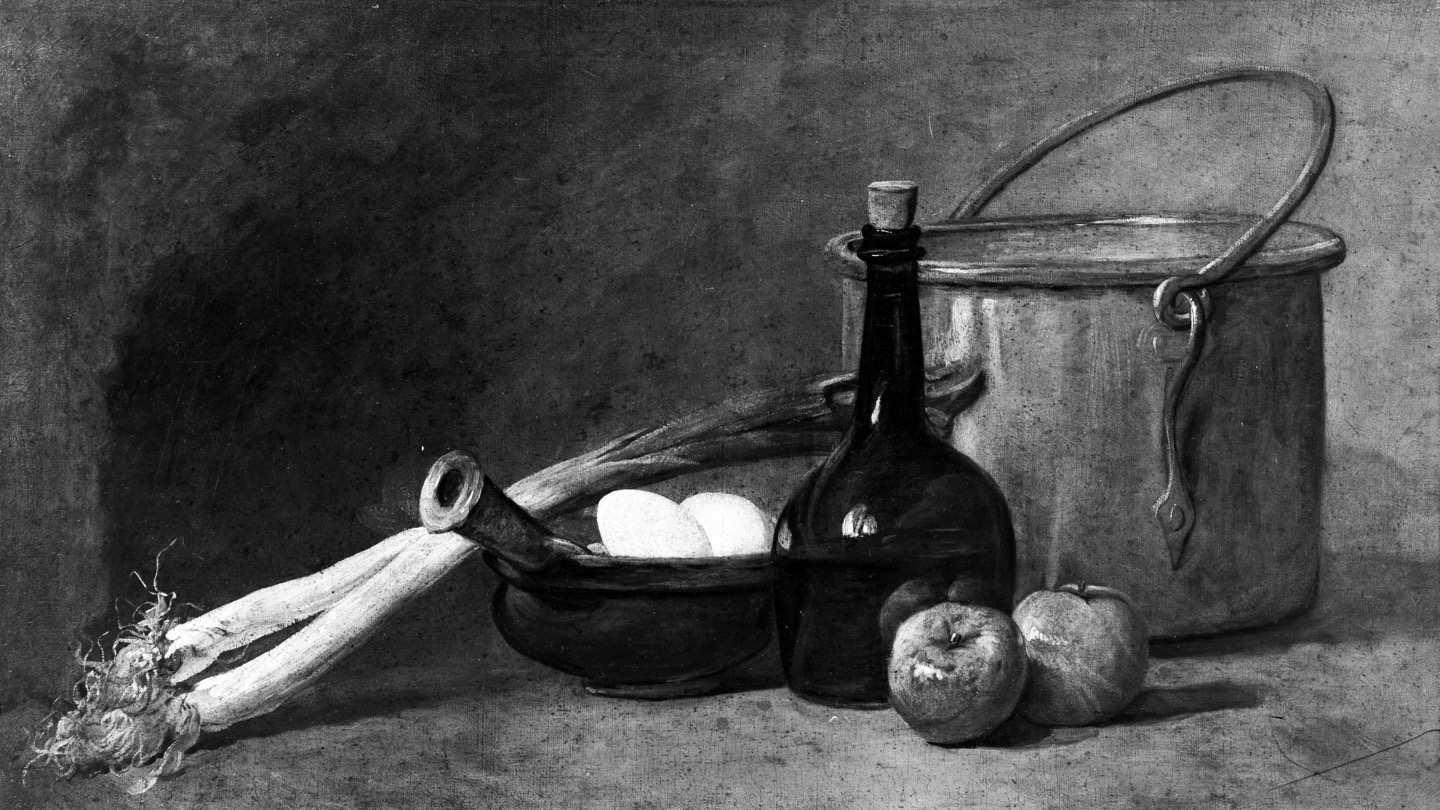
Chardin still life PSD
A fresh public-domain still life converted to PSD with a browser-safe JPEG preview.
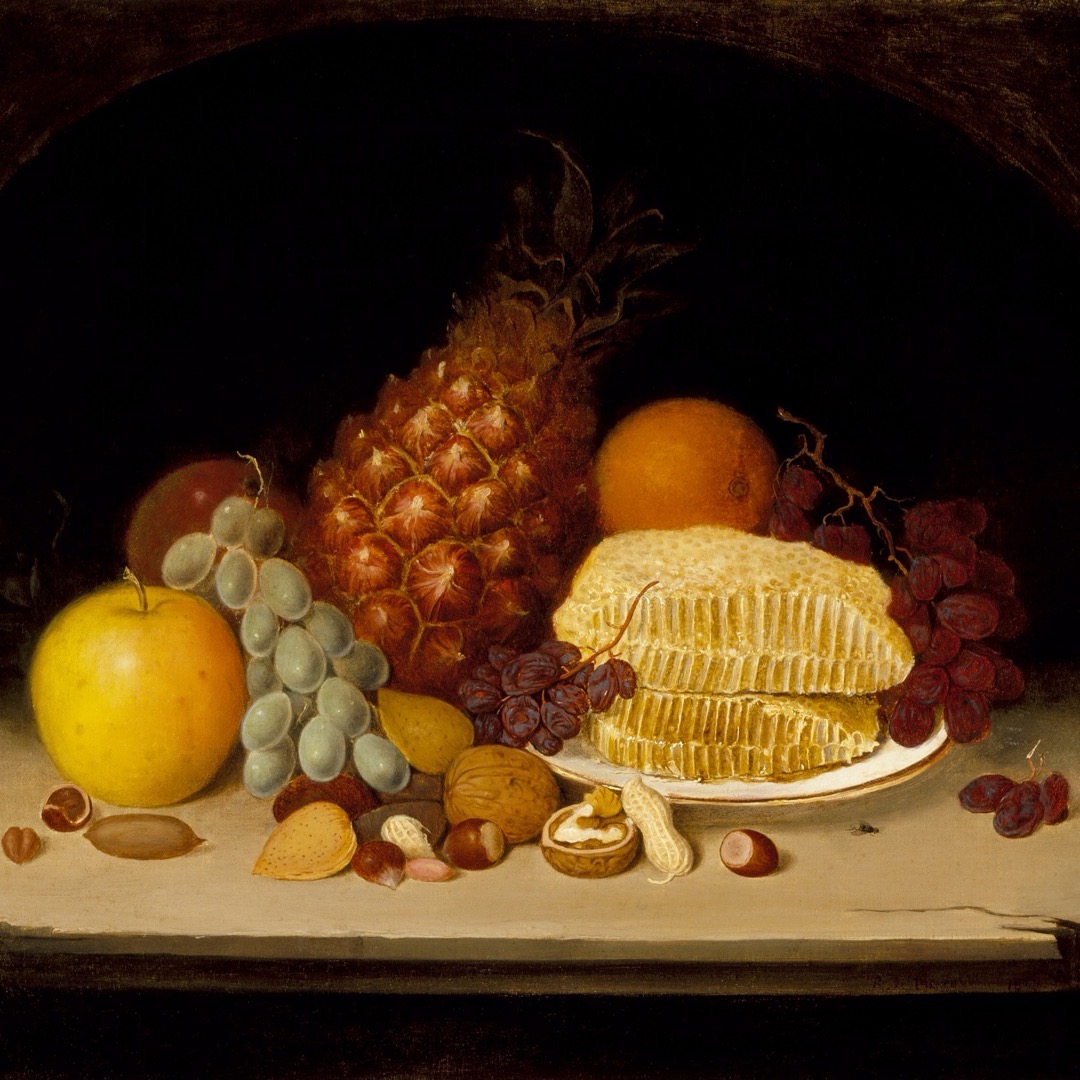
Duncanson still life PSD
A square PSD sample prepared for profile, catalog, and artwork previews.
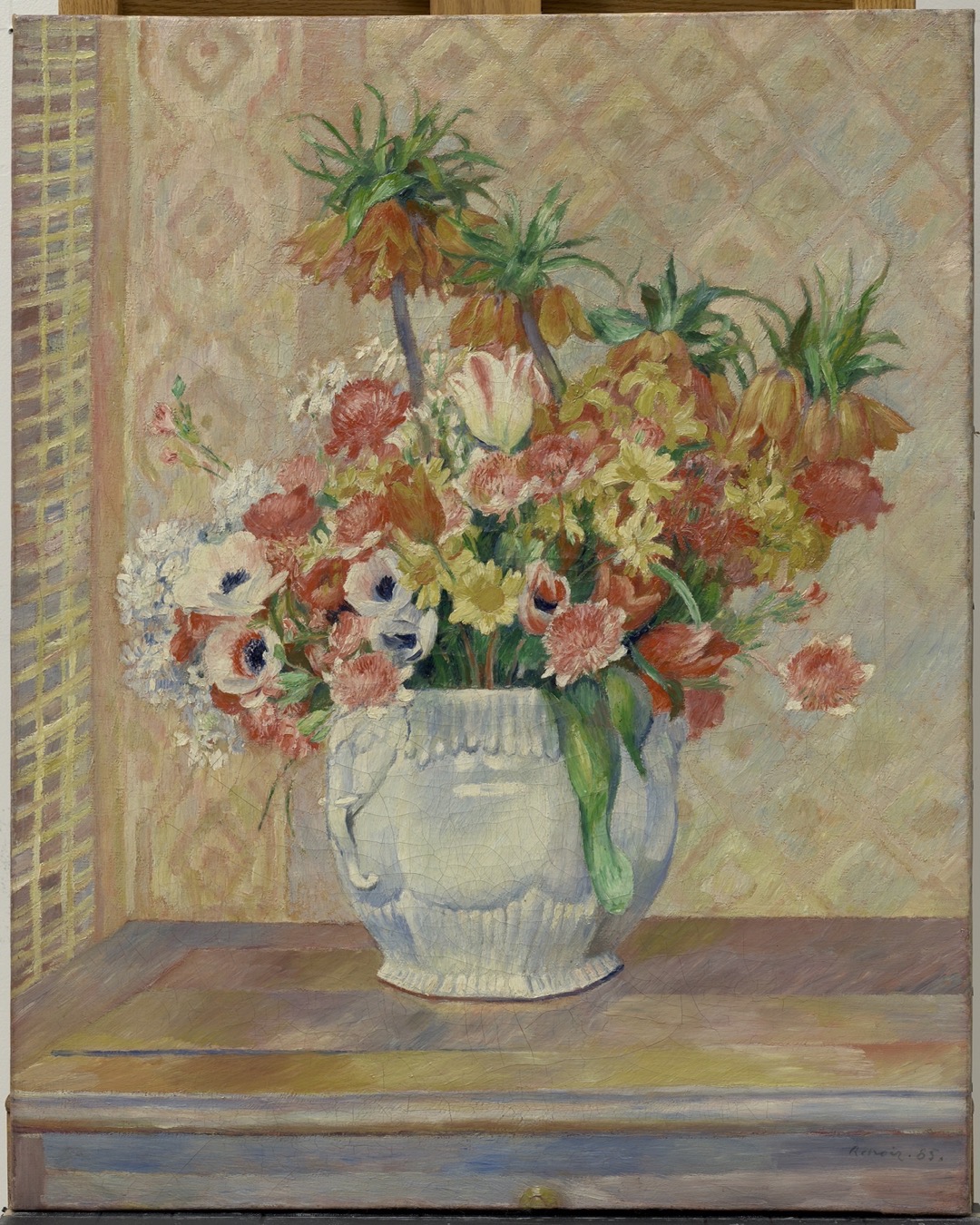
Renoir flowers PSD
A portrait PSD sample prepared for the common 4:5 feed ratio.

Chicago poster PSD
A poster-style PSD sample prepared for phone-first previews.
Pros
- +Preserves editable Photoshop layers
- +Supports masks, text, channels, and effects
- +Common in design handoff
Cons
- −Large files
- −Limited support outside design apps
- −Not browser-renderable as an image
PSD vs other formats
| vs | Size | Quality | Note |
|---|---|---|---|
| PNG | PNG is smaller after flattening | PNG is final output | PNG cannot preserve editable Photoshop layers. |
| TIFF | Varies | Both can preserve high quality | TIFF is better for archival or print interchange. |
Where it works
- Requires an app to open fully
- Preview support is limited
- Browsers do not render PSD directly
- Adobe Photoshop
- Affinity Photo
- Photopea
- GIMP with limitations
Related tools
Frequently asked questions
- Can browsers display PSD?
- No. Export a flattened image such as PNG, JPG, or WebP for browsers.
- Is PSD good for final delivery?
- Only when the receiver needs editability. For publishing, export a smaller final format.
Sources
- Adobe Photoshop file formats - Photoshop format capabilities and usage
- Library of Congress - Adobe Photoshop family - PSD/PSB format family description