.webp — Web Picture format
Google's open image format for the web — typically 25-35% smaller than JPG at the same visual quality, with optional transparency and animation.
About this format
WebP is an image format Google released in 2010, derived from the VP8 video codec. It supports three modes in one container:
- Lossy — like JPG, but smaller (~25-35% on average) at the same perceived quality. - Lossless — like PNG, but ~26% smaller on average. Keeps the alpha channel. - Animation — like GIF, but full color and a fraction of the size.
That single-format flexibility is the killer feature: a designer can deliver one .webp asset that replaces a JPG, a PNG, *or* an animated GIF depending on the source. Browser support is now universal — all modern browsers including Safari (14+, mid-2020) decode WebP natively.
The friction left in real workflows: legacy CMSes and image editors are still catching up. Photoshop got native WebP support in 23.2 (2022); macOS Preview got it in macOS 11. If you hit a tool that can't open a .webp, the fastest fix is to convert to JPG or PNG.
Real-world samples & file sizes
Six freshly sourced online assets converted to WebP: common 16:9, 1:1, 4:5, and 9:16 sizes, plus alpha and animated samples.
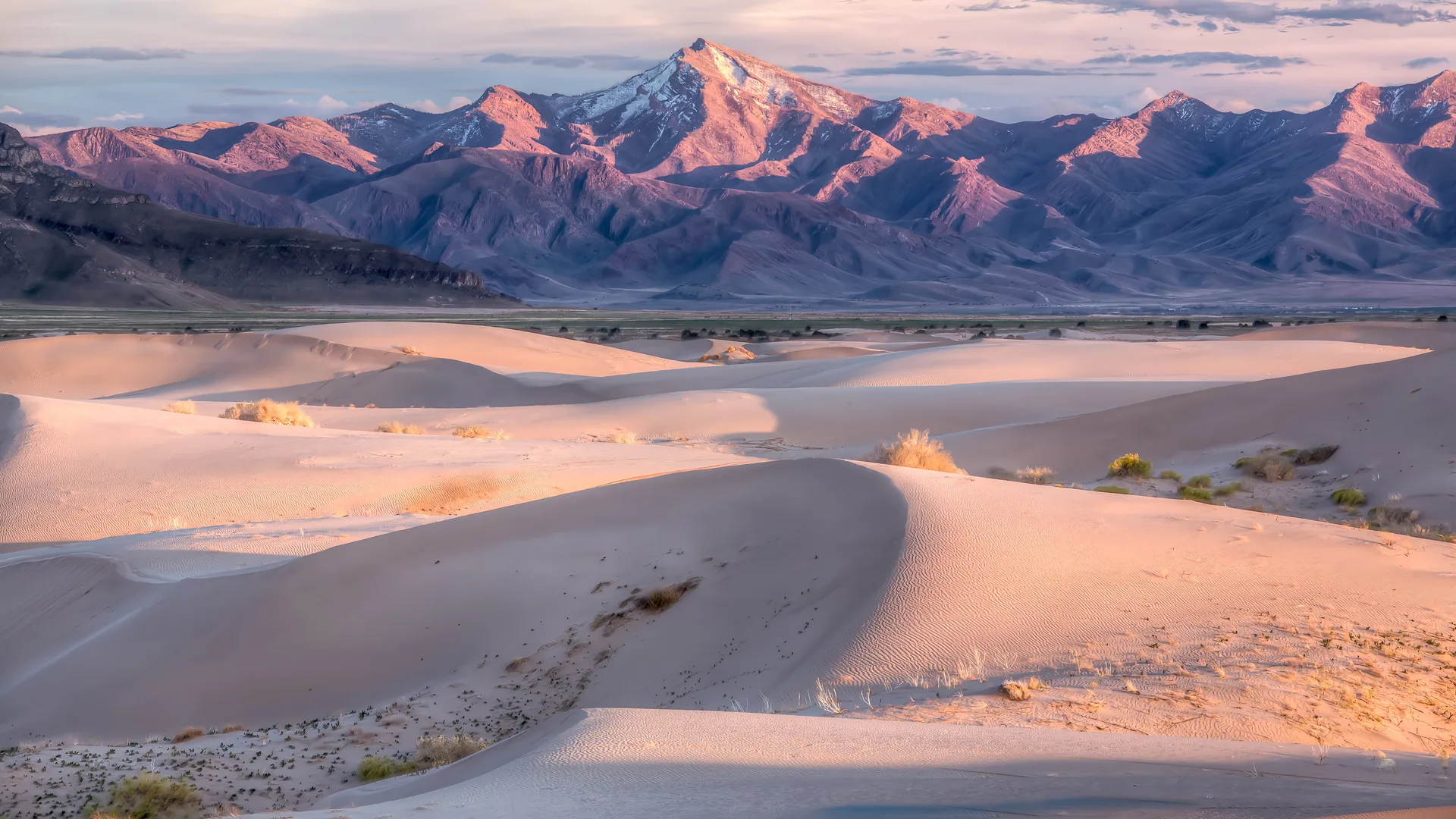
Utah Dunes
A public-domain landscape photo cropped and converted to a common full-HD WebP.
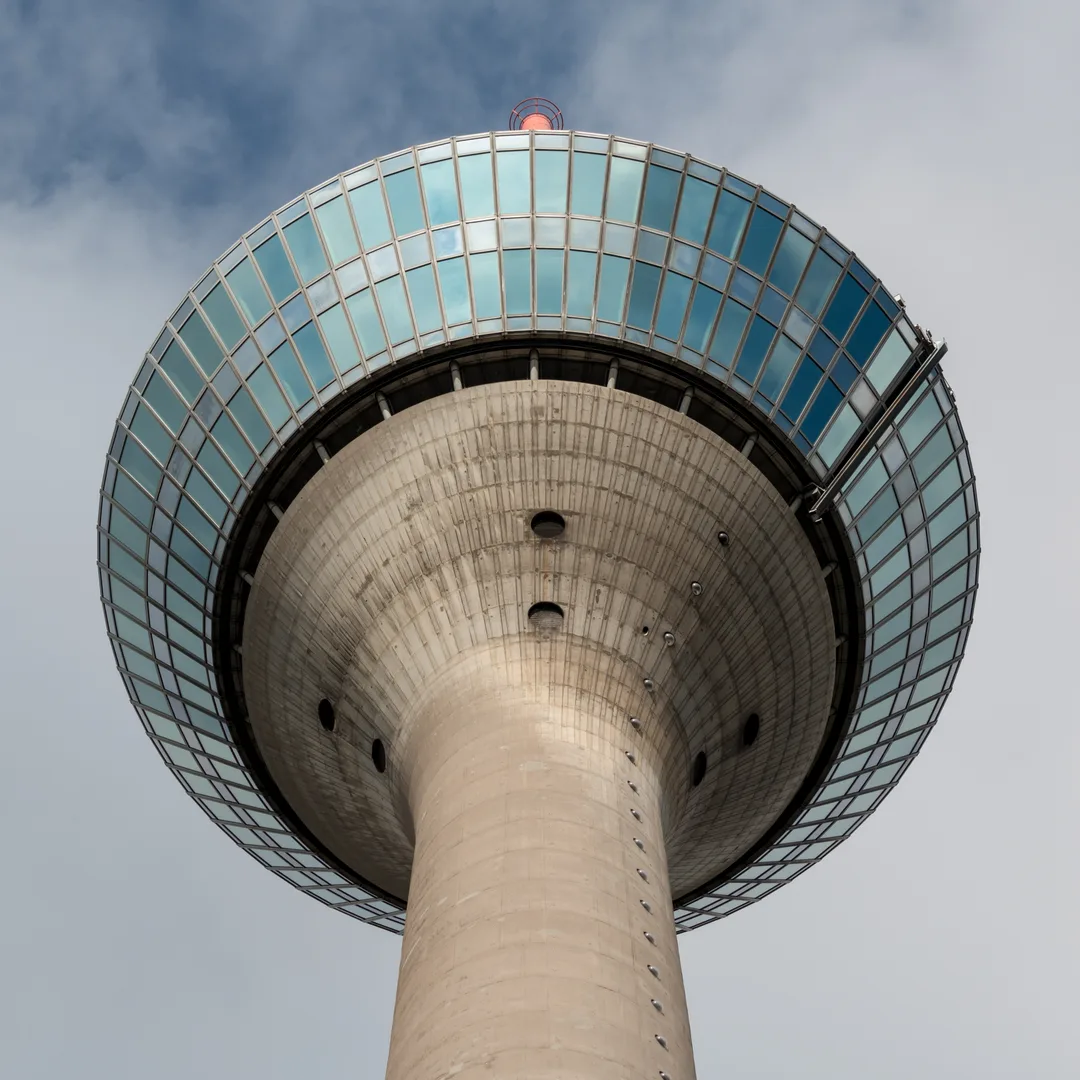
Rheinturm
A square city photo converted to WebP for profile and catalog-style previews.

Ngozi Okonjo-Iweala
A portrait photo converted to the common 4:5 feed ratio.

Artemis Moonscape
A vertical poster image converted to WebP for phone-first previews.

Chlosyne Butterfly
A detailed transparent PNG converted to WebP with alpha preserved.
PIA02501 Animation
A public-domain animated GIF converted to animated WebP.
Pros
- +25-35% smaller than JPG at the same visual quality (lossy)
- +~26% smaller than PNG at the same content (lossless)
- +Supports transparency in BOTH lossy and lossless modes (JPG can't)
- +Supports animation — full color, way smaller than GIF
- +Royalty-free open format from Google
- +Native support across all modern browsers (Safari 14+)
Cons
- −Older Safari (< 14, before mid-2020) can't decode
- −Some legacy CMS / upload forms still reject .webp
- −Older image editors need plugins or won't open it at all
- −Most email clients don't render WebP — fall back to JPG/PNG for embedded images
- −Print workflows still expect JPG/TIFF — WebP is web-first
Where it works
- macOS 11+ ✅ (Big Sur, native Preview support)
- iOS 14+ ✅ (Safari, Photos)
- Windows 10+ ✅ (native, Edge / Chrome)
- Android 4.0+ ✅
- Linux ✅ (libwebp universal)
- Chrome ✅
- Firefox ✅ (since 65)
- Edge ✅
- Safari 14+ ✅
- Safari < 14 ❌
- IE 11 ❌
- Photoshop 23.2+ ✅ (native, prior versions need plugin)
- Figma ✅
- Sketch ✅
- Affinity Photo ✅
- macOS Preview ✅ (Big Sur+)
- Microsoft Office 2019+ ✅
- WordPress ✅ (native uploader since 5.8)
Related tools
- →WebP to PNG ConverterConvert WebP images to PNG locally in your browser for design tools, CMS uploads, and older apps.
- →WebP to JPG ConverterConvert WebP images to JPG locally with adjustable quality.
- →Image CompressorShrink JPG, PNG, and WebP images right in your browser with WASM codecs and side-by-side comparison.
Frequently asked questions
- Why is WebP smaller than JPG at the same quality?
- WebP uses block-based prediction (inherited from the VP8 video codec) before applying transform coding. JPG uses simpler 8x8 DCT blocks with no prediction. Prediction means WebP can describe most blocks as "like the neighbor with these tweaks" instead of encoding from scratch — fewer bits per block.
- Can I open a .webp file in Photoshop?
- Yes if you're on Photoshop 23.2 (2022) or newer — native support. Older versions need the WebPShop plugin from Google.
- Is WebP fully supported in Safari now?
- Yes since Safari 14 (released September 2020). Older Safari (and any iOS device older than iOS 14) cannot decode WebP — fall back to JPG/PNG with the <picture> element if you need legacy support.
- Should I switch from JPG to WebP for my site?
- Almost always yes for hero images, gallery thumbnails, and anything not destined for email. Use the <picture> element with a JPG fallback for the long tail of older browsers. For sites that don't care about Safari < 14, just use WebP directly.
- WebP or AVIF — which should I pick?
- Today: ship both with <picture><source type="image/avif"><source type="image/webp"><img src="fallback.jpg">. AVIF gives the best compression where supported (modern Chrome / Firefox / Safari 16.4+); WebP catches everything since 2020; JPG is the final safety net.