.bmp — Bitmap Image File
An old Windows raster format that is easy to decode but usually much larger than PNG or JPG.
About this format
BMP stores bitmap pixels in a simple Windows-oriented container. It is useful for legacy software, but it is rarely a good delivery format because many BMP files are uncompressed and can be very large.
Use BMP when a legacy app demands it. Convert it to PNG for lossless sharing or JPG/WebP when the image is photographic.
Real-world samples & file sizes
Four freshly sourced public-domain images converted to common BMP sizes: 16:9, 1:1, 4:5, and 9:16. The files are stored locally so previews and downloads are stable.
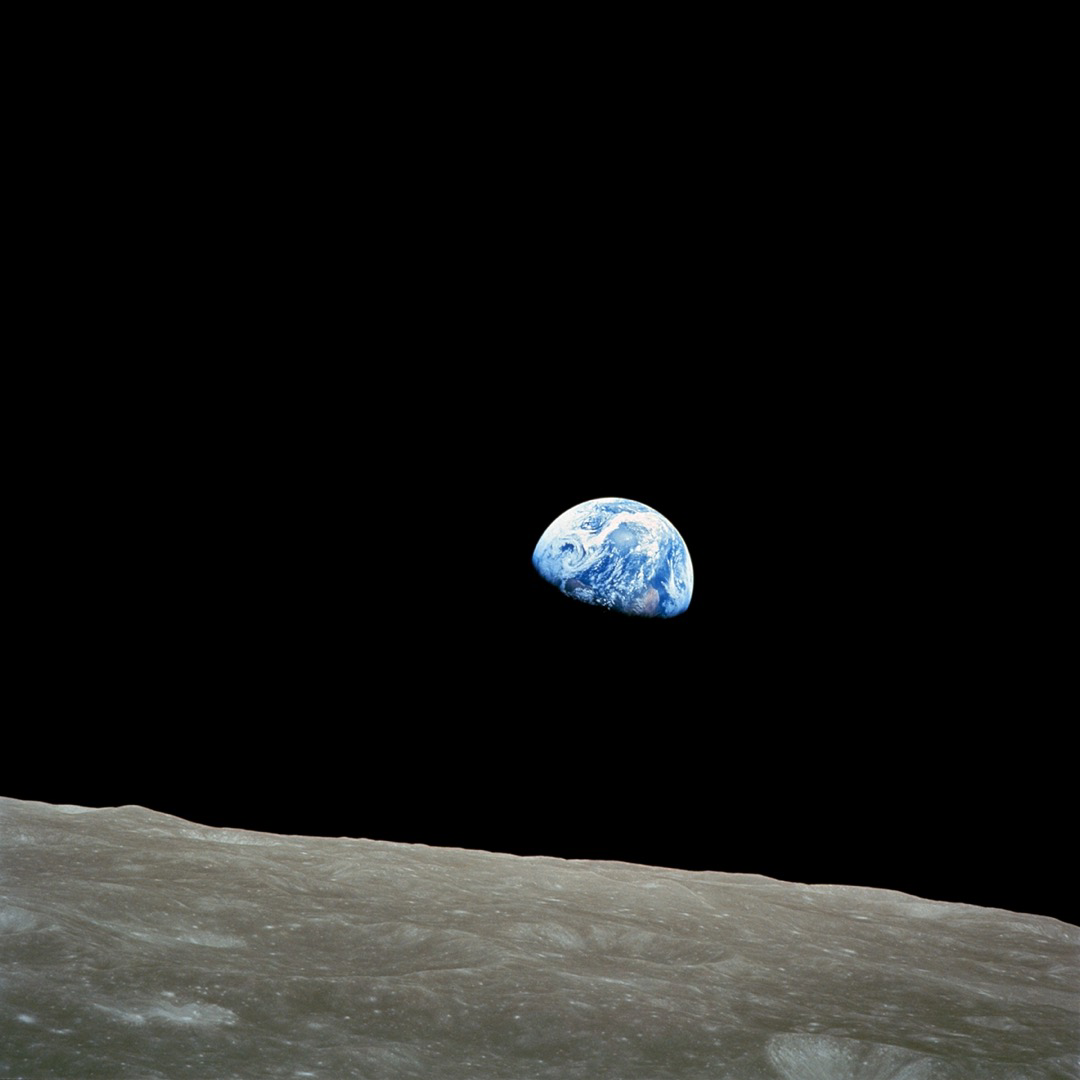
Earthrise converted to BMP
A square NASA photo sample using a common social preview size.

Great Wave converted to BMP
A wide public-domain artwork cropped to the standard full-HD canvas.

Mona Lisa converted to BMP
A portrait artwork sample using the common 4:5 feed ratio.
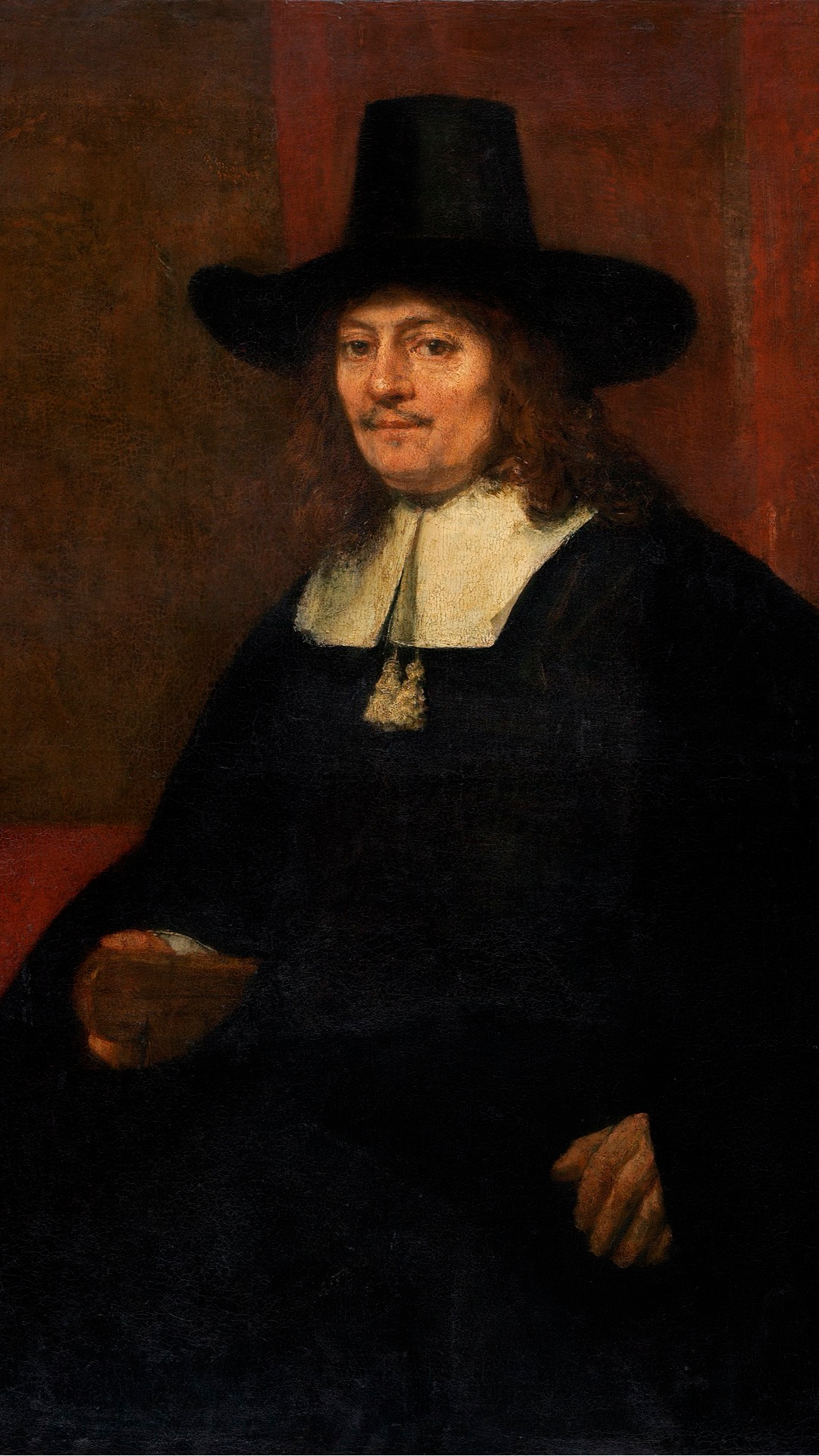
Rembrandt portrait converted to BMP
A vertical artwork sample prepared for phone-first preview workflows.
Pros
- +Simple structure
- +Widely understood by desktop image tools
- +Can store lossless pixel data
Cons
- −Often very large
- −Poor fit for the web
- −Limited modern workflow advantages
BMP vs other formats
| vs | Size | Quality | Note |
|---|---|---|---|
| PNG | PNG is usually smaller | Both can be lossless | PNG is better for sharing and web use. |
| JPG | JPG is much smaller for photos | JPG is lossy | Use JPG for photos that do not need lossless pixels. |
Where it works
- Windows native
- macOS Preview
- Linux image viewers
- Chrome / Edge support BMP images
- Firefox support varies by platform
- Safari support varies
- Photoshop
- GIMP
- IrfanView
- Paint
Related tools
Frequently asked questions
- Should I upload BMP to a website?
- Usually no. Convert BMP to PNG for graphics or JPG/WebP for photos first.
- Why is my BMP so large?
- Many BMP files store raw or lightly compressed pixels, so file size grows directly with width, height, and color depth.
Sources
- MDN image file type and format guide - browser image support, MIME types, and practical web guidance
- Library of Congress - BMP - BMP-specific archival description and sustainability notes