.jsonl — JSON Lines
A newline-delimited JSON format for logs, events, datasets, and streaming records.
About this format
JSONL stores one valid JSON value per line. That makes it easy to append, stream, split, and recover from a bad record without loading a whole JSON array.
Use JSONL for logs, analytics events, ML datasets, and batch imports. Use CSV for simple flat tables.
Real-world samples & file sizes
Four real JSONL files from public repositories. Each preview is generated from valid one-line JSON records, showing top-level keys and the first records instead of a generic code icon.
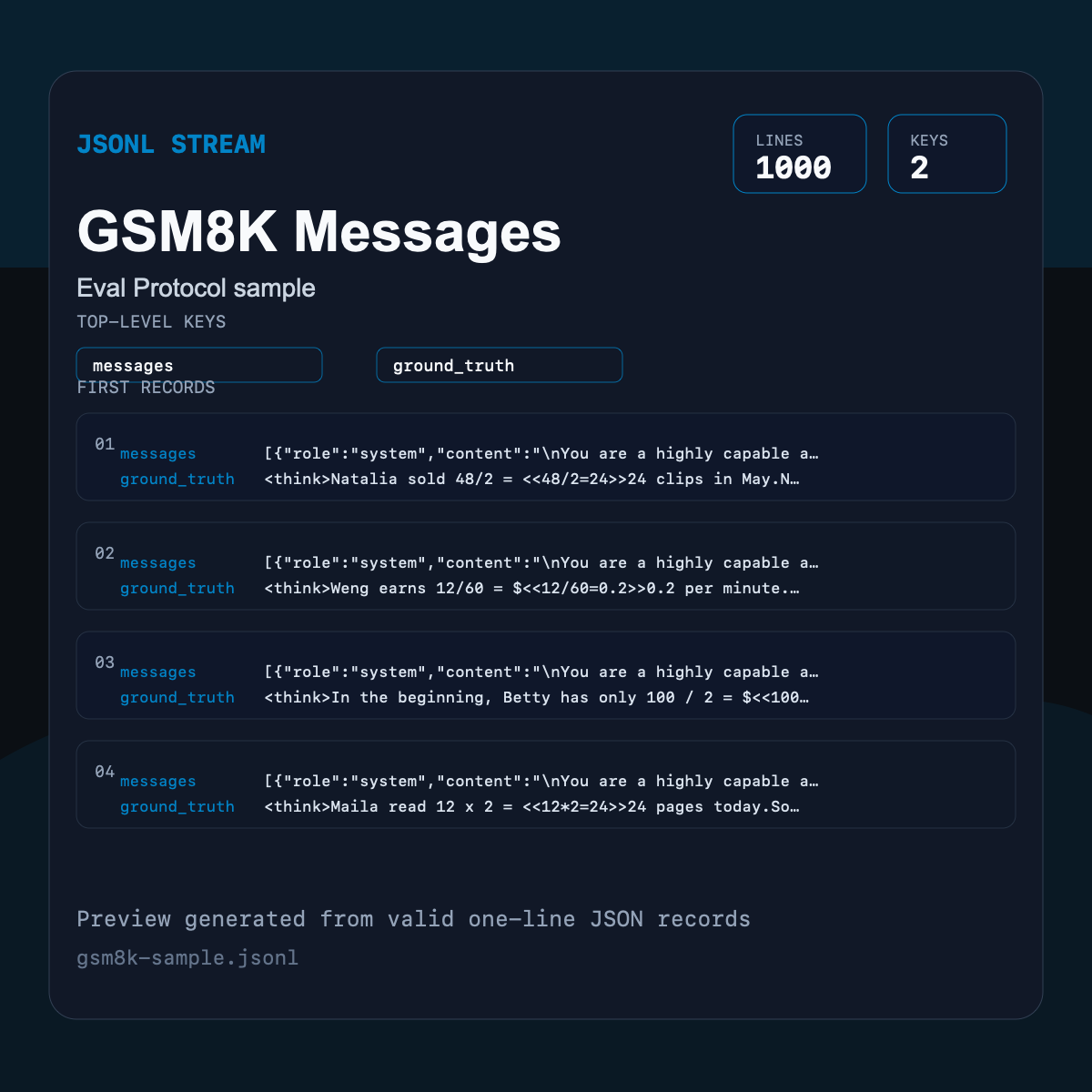
GSM8K Messages JSONL
A real JSONL sample where each record stores nested chat messages and a ground-truth answer.
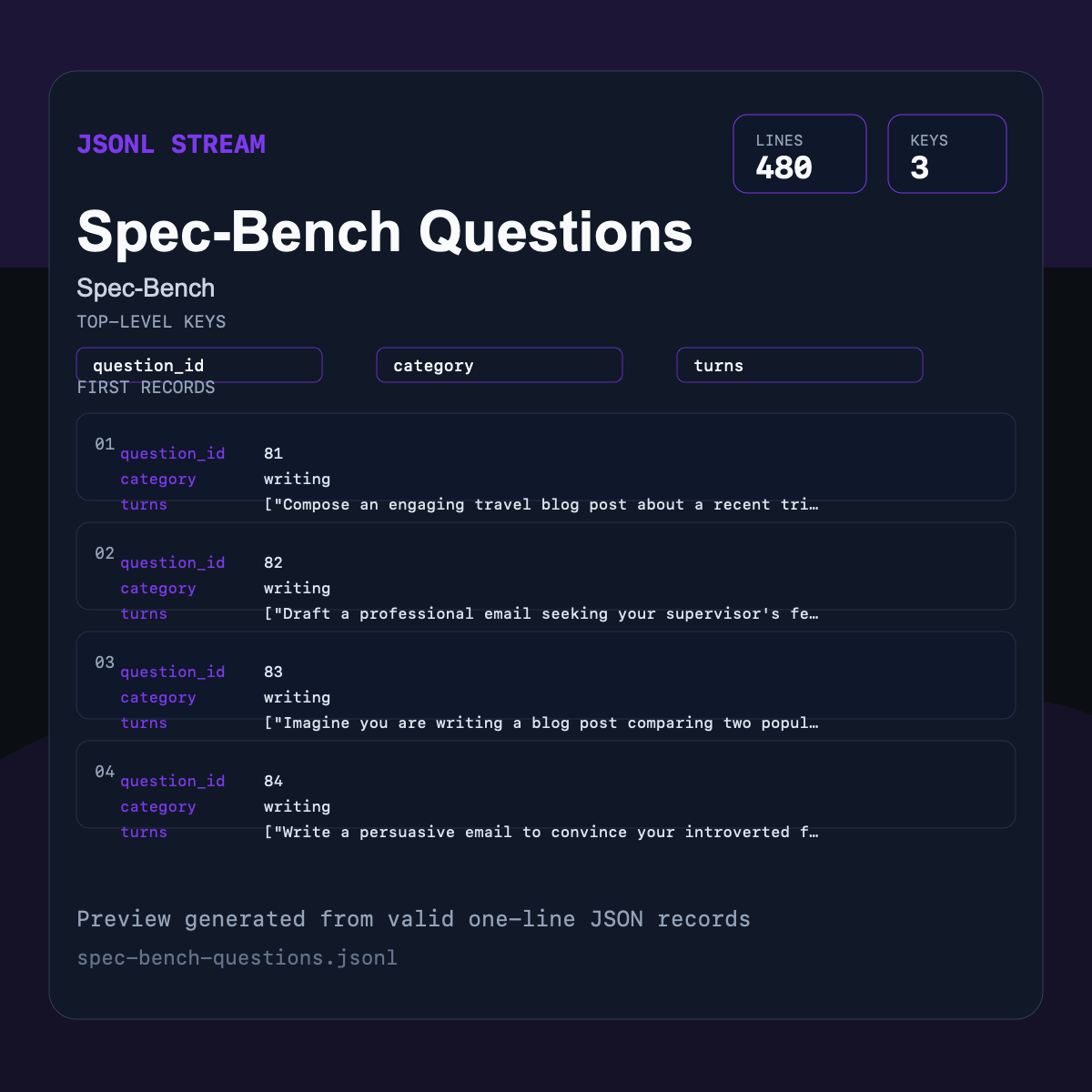
Spec-Bench Questions JSONL
A benchmark question stream with category labels and multi-turn prompt arrays.
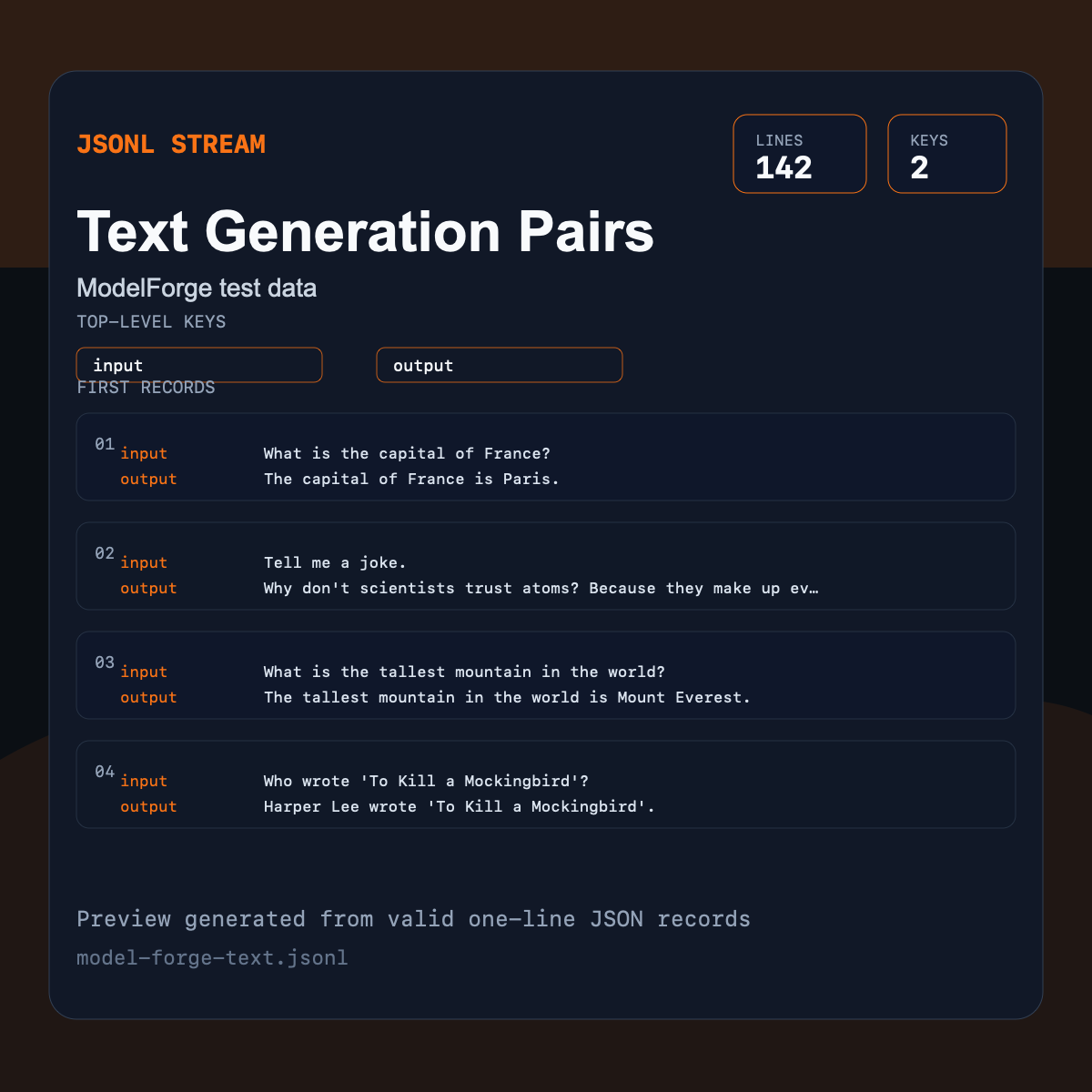
Text Generation Pairs JSONL
A compact JSONL file with one input and one output string per line.
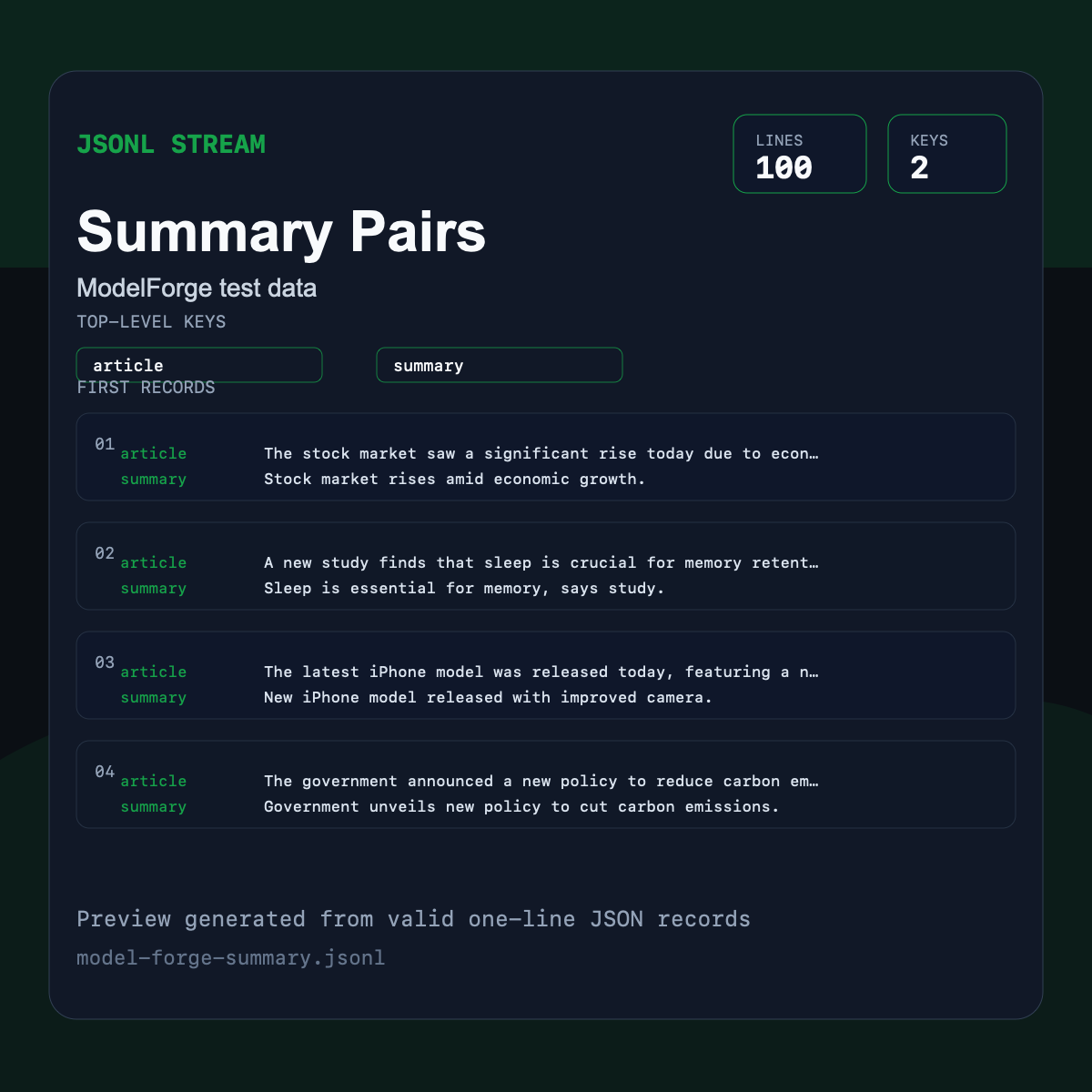
Summary Pairs JSONL
A summarization dataset where each line contains an article and its summary.
Pros
- +Streaming-friendly
- +Supports nested records
- +Easy to append and split by line
Cons
- −Larger than CSV for flat tables
- −Not a single valid JSON array
- −MIME type conventions vary
JSONL vs other formats
| vs | Size | Quality | Note |
|---|---|---|---|
| CSV | JSONL is usually larger | JSONL supports nested data | CSV is better for flat spreadsheet data. |
| JSON | Similar data size | JSONL streams better | A JSON array is easier for small API payloads. |
Where it works
- Any text editor
- command-line tools
- data pipelines
- Browsers parse with app code
- not a native visual format
- jq
- Python
- Node.js
- BigQuery loaders
- ML dataset tools
Frequently asked questions
- Is JSONL valid JSON?
- Each line is valid JSON, but the whole file is not a single JSON array.
- When should I use JSONL?
- Use it when records are independent, append-only, streamed, or too large to load as one JSON document.
Sources
- JSON Lines format - format convention and examples
- NDJSON specification - newline-delimited JSON convention