.7z — 7-Zip Archive
A high-compression archive format commonly used for large bundles and software distribution.
About this format
7Z is the native archive format of 7-Zip. It is known for strong compression, optional encryption, and solid archive mode.
Use 7Z when compression ratio matters and recipients can install an extractor. Use ZIP for maximum casual compatibility.
Real-world samples & file sizes
Four real .7z archives from official 7-Zip release downloads. Each preview is generated from the actual archive listing, so it shows real entries and file-type counts instead of a generic archive icon.
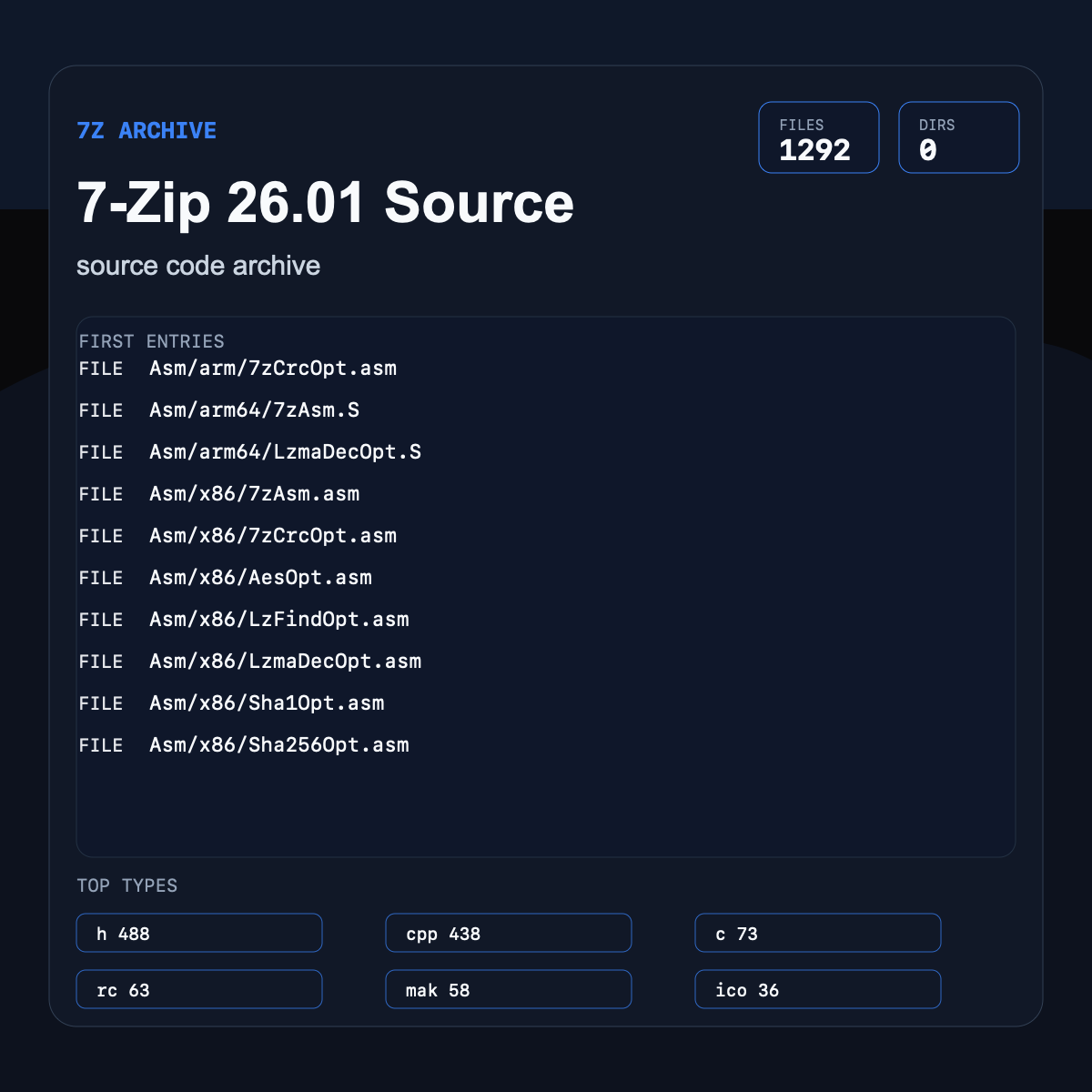
7-Zip 26.01 Source
A large official 7-Zip source archive with C, C++, assembly, resources, and build files.
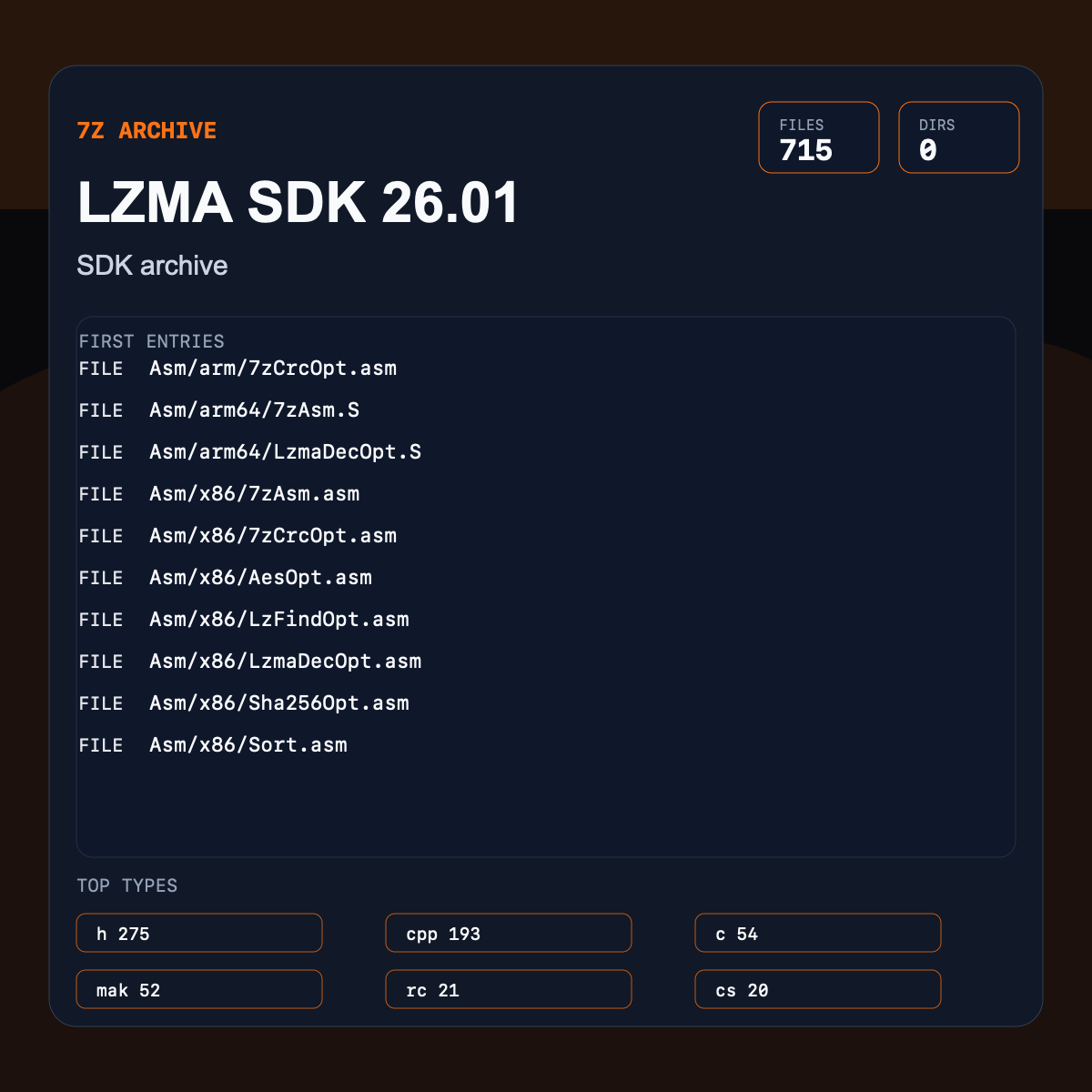
LZMA SDK 26.01
An official LZMA SDK archive with compression sources, headers, examples, and docs.
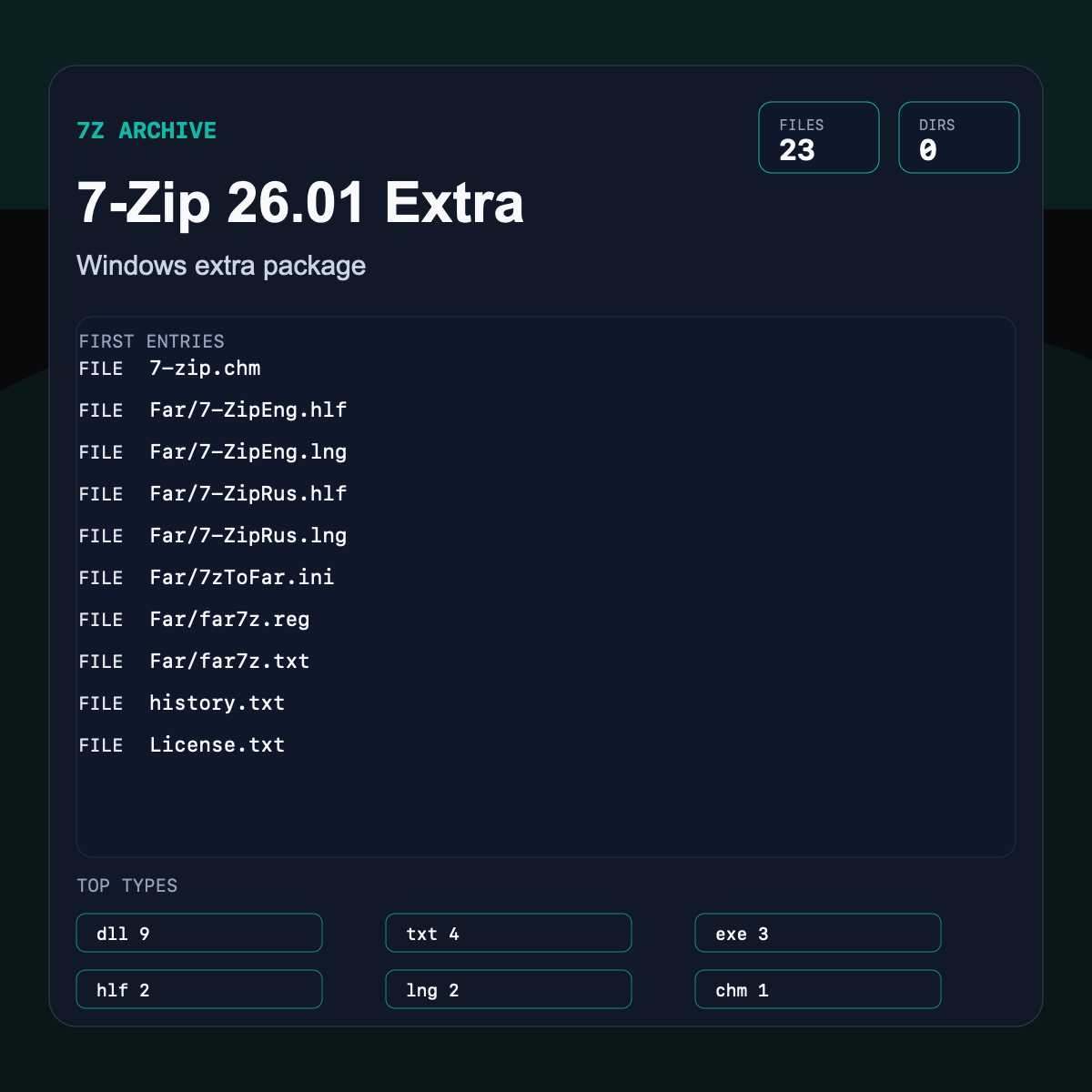
7-Zip 26.01 Extra
A current official extra package with DLLs, command-line binaries, help, and FAR files.
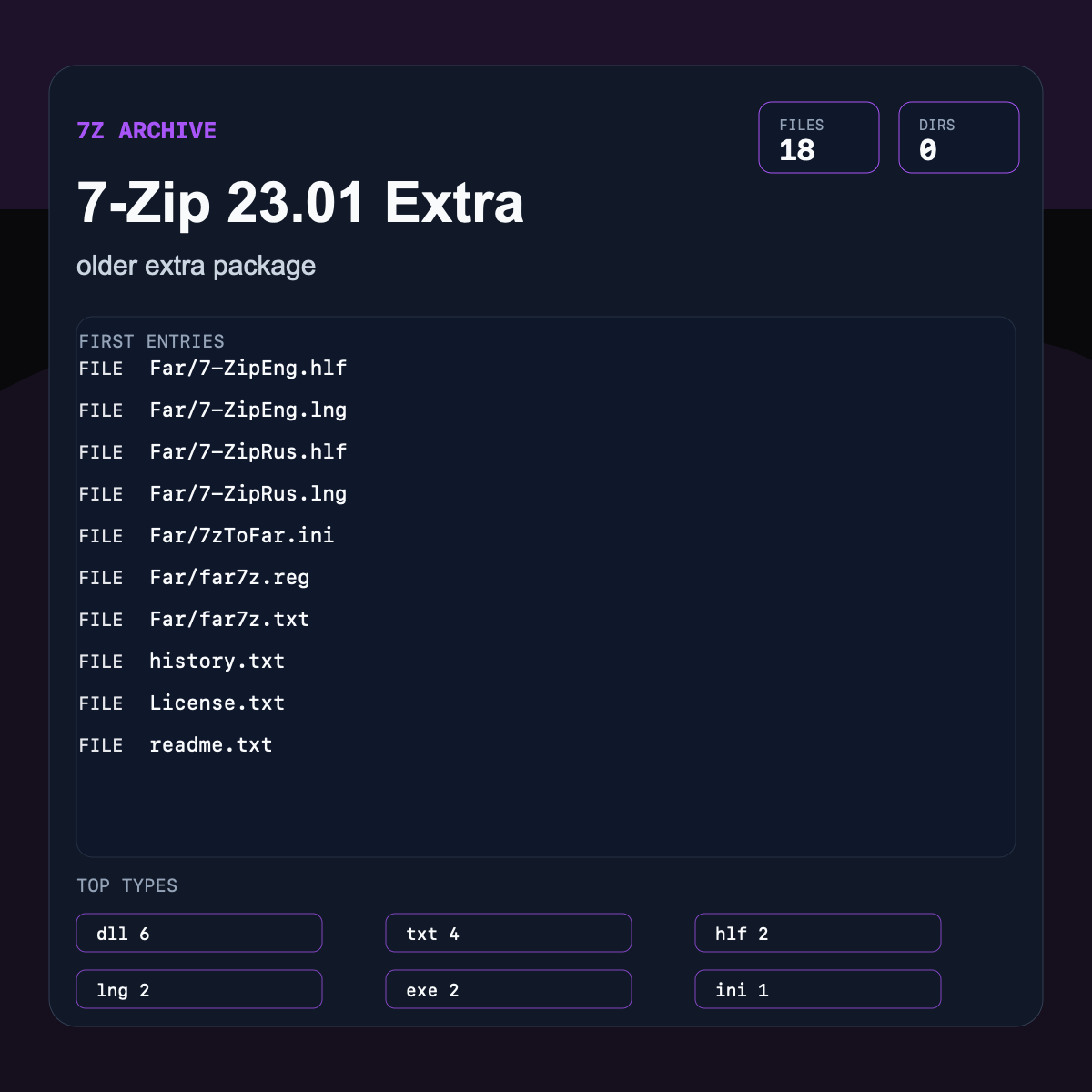
7-Zip 23.01 Extra
An older official extra package for comparing archive contents across 7-Zip releases.
Pros
- +Strong compression
- +Supports encryption
- +Good for large bundles
Cons
- −Less universally built in than ZIP
- −Solid archives can make partial recovery harder
- −Some recipients need extra software
7Z vs other formats
| vs | Size | Quality | Note |
|---|---|---|---|
| ZIP | 7Z is often smaller | Both are archives | ZIP is more universally recognized. |
| TAR.GZ | Varies | Both are common archives | TAR.GZ is more Unix-native. |
Where it works
- Windows via 7-Zip/WinRAR
- macOS via The Unarchiver/Keka
- Linux via p7zip/7zz
- Browsers download 7Z; extraction needs app logic
- 7-Zip
- WinRAR
- Keka
- The Unarchiver
- PeaZip
Frequently asked questions
- Is 7Z better than ZIP?
- For compression ratio, often yes. For recipient compatibility, ZIP is safer.
- Can 7Z be encrypted?
- Yes, 7Z supports AES encryption when created with compatible tools.
Sources
- 7-Zip 7z format - official 7z format features
- Library of Congress - 7z - 7z-specific archival description