.aiff — Audio Interchange File Format
A high-quality uncompressed or compressed audio container common in older Mac and pro-audio workflows.
About this format
AIFF is a classic audio interchange format associated with Apple and professional audio workflows. Plain AIFF is often uncompressed PCM, so files can be large.
Use AIFF for editing or interchange when a tool asks for it. Use FLAC for lossless storage or AAC/Opus for smaller listening copies.
Real-world samples & file sizes
Four real .aiff files encoded as uncompressed 16-bit PCM. Each sample comes from a fresh online source and includes a spectrogram cover generated from the exact AIFF file.
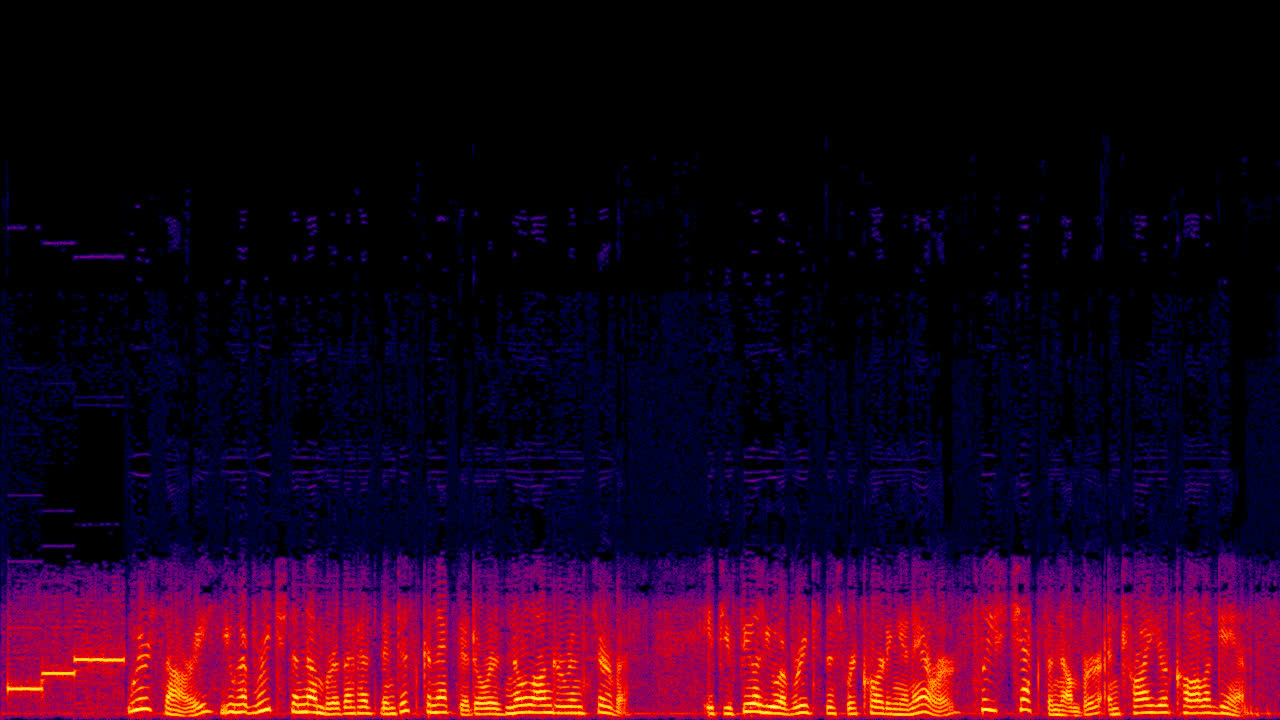
Bell Intercept AIFF
A telephone intercept recording converted to uncompressed 16-bit PCM AIFF.
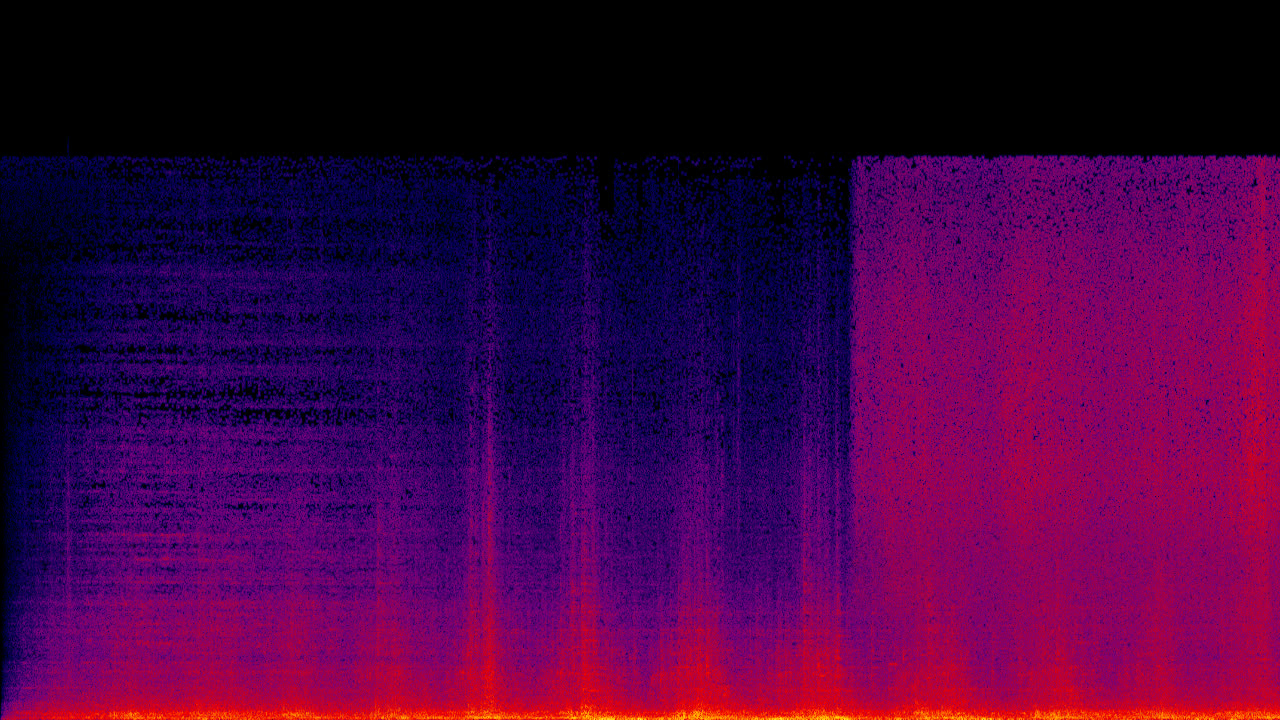
Steam Locomotive AIFF
A field recording converted into AIFF to show the large PCM file footprint.
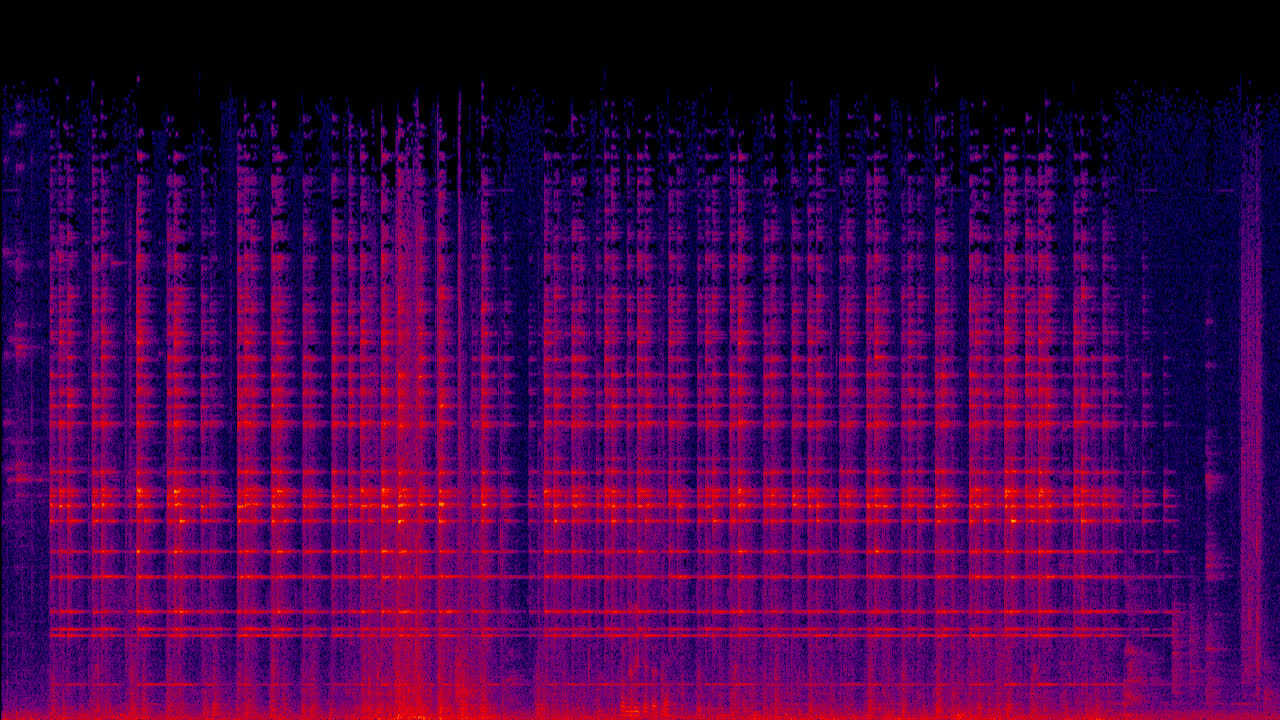
School Bell AIFF
A mono bell recording converted to an uncompressed AIFF sample.
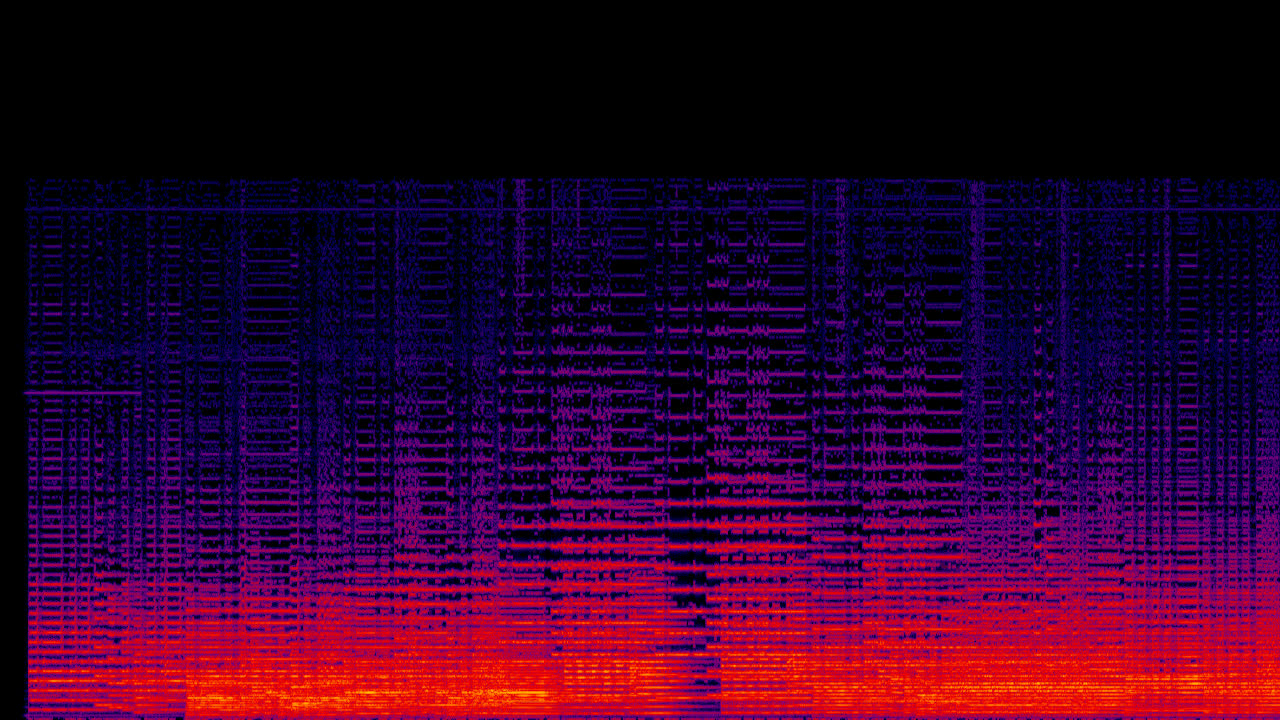
Organ Duo AIFF
A pipe-organ excerpt converted to AIFF for pro-audio interchange examples.
Pros
- +High-quality PCM workflows
- +Strong pro-audio history
- +Simple editing source
Cons
- −Large files when uncompressed
- −Less convenient than FLAC for storage
- −Less common for web playback
AIFF vs other formats
| vs | Size | Quality | Note |
|---|---|---|---|
| WAV | Similar for PCM | Similar when uncompressed | WAV is more common on Windows; AIFF is Mac-associated. |
| FLAC | FLAC is smaller | Both can preserve quality | FLAC is better for storage and sharing. |
Where it works
- macOS native
- Windows via media apps
- Linux via audio players
- Not a common web audio delivery format
- Logic Pro
- Pro Tools
- Audacity
- VLC
- FFmpeg
Related tools
Frequently asked questions
- Is AIFF lossless?
- Standard AIFF with PCM audio is uncompressed and lossless. AIFF-C can use compression.
- Should I use AIFF for web audio?
- No. Use AAC, Opus, MP3, or another browser-friendly delivery format.
Sources
- Library of Congress - AIFF - AIFF-specific archival description