.xps — XML Paper Specification
Microsoft's fixed-layout document format, similar in purpose to PDF but much less common.
About this format
XPS stores fixed pages, fonts, images, and vector graphics in an XML-based package. It was designed for print-like documents in Windows workflows.
Use XPS only when a Windows workflow produces or requires it. Convert to PDF for broader sharing.
Real-world samples & file sizes
Four real .xps packages built from separate public-domain source images. Browsers usually cannot render XPS directly, so each card uses a cover derived from the same source page.
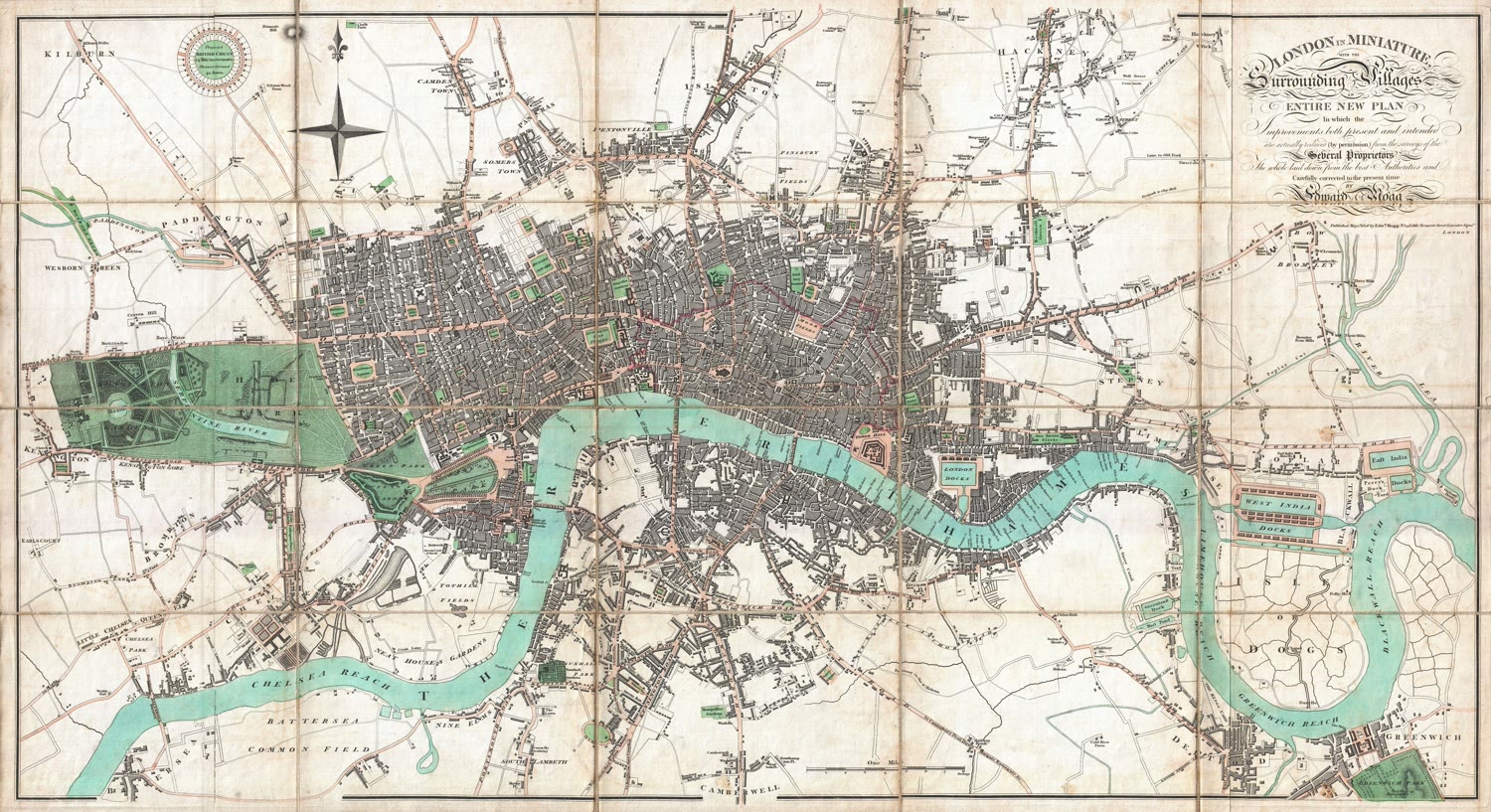
London Map XPS
A one-page XPS package built from a detailed public-domain map sheet.
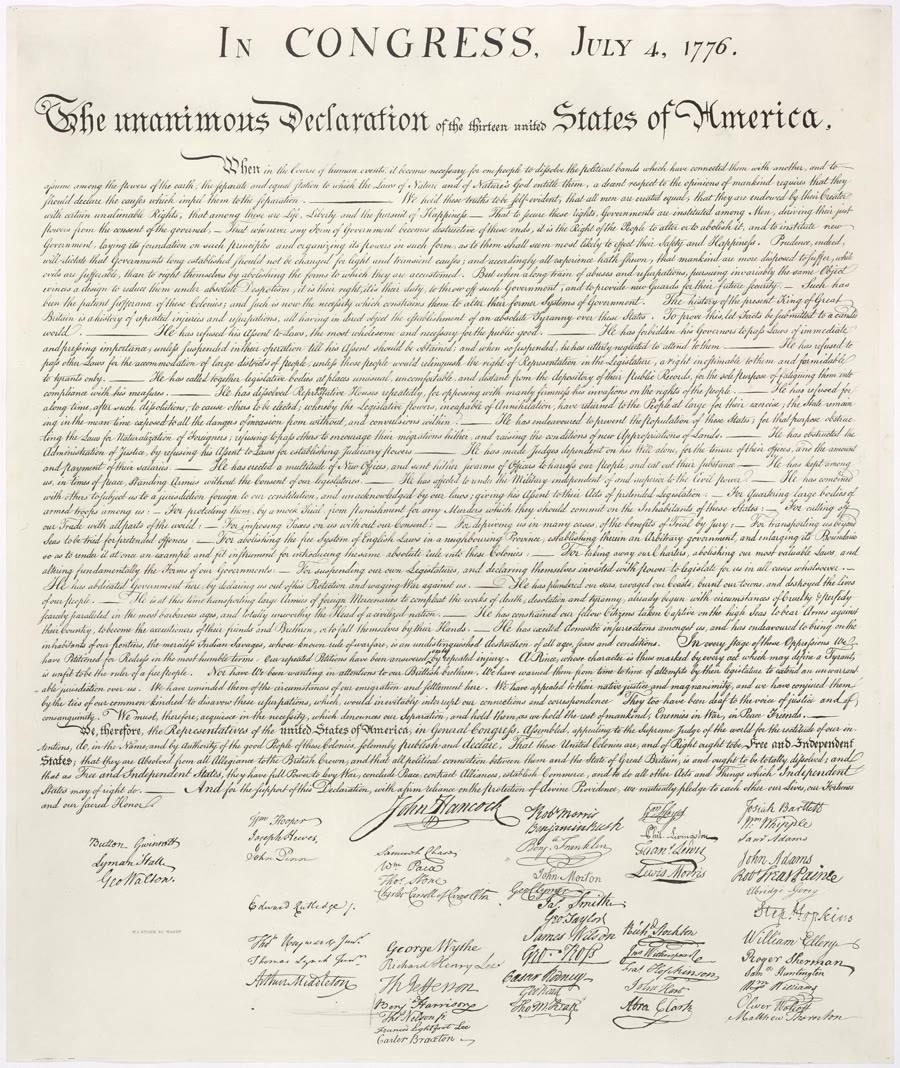
Declaration XPS
A portrait XPS sample made from a real archival document image.

Mars Rover XPS
A compact photo-based XPS sample from a NASA Mars rover image.

Wright Flyer XPS
A landscape XPS sample made from a public-domain aviation photograph.
Pros
- +Fixed-layout pages
- +Windows print workflow integration
- +Can preserve vectors and text
Cons
- −Much less common than PDF
- −Limited browser support
- −Recipients often need conversion
XPS vs other formats
| vs | Size | Quality | Note |
|---|---|---|---|
| Varies | Both fixed-layout | PDF is far more widely supported. | |
| EPUB | Usually larger | Fixed page | EPUB is better for reading on small screens. |
Where it works
- Windows support available
- macOS/Linux need third-party viewers
- Browsers do not commonly render XPS directly
- Microsoft XPS Viewer
- MuPDF
- conversion tools
Frequently asked questions
- Should I send XPS instead of PDF?
- Usually no. PDF is much more likely to open correctly for recipients.
- What is OXPS?
- OXPS is the OpenXPS variant introduced after the original Microsoft XPS format.
Sources
- Microsoft XPS documents - Windows XPS document and print architecture docs
- Library of Congress - XPS - Microsoft XPS archival format description